Details
Users are able to add important information to the Company notes section within the Company screen.
To add a note, click beside the company
(The icon will display if a note has been previously entered for the company)
In the text, field users can create a company note:
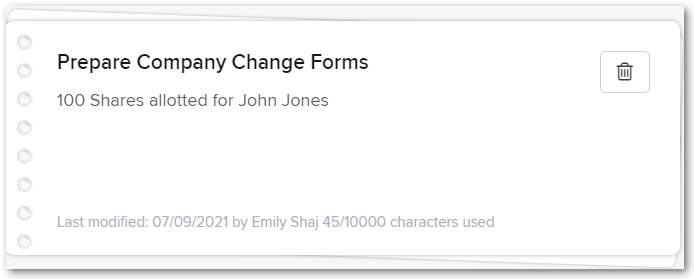
Company notes are saved automatically when a note is entered. Click  to delete a note.
Users can add additional notes by clicking

To exit out from the company note section, click
